Every guest leaves with a print worth keeping.
A sleek modern booth with studio lighting, and instant prints that make your event the one people talk about.
*Based in Southern California and open to other locations — travel fees may apply.
next to index.html to show your video
Built for the moment, not the corner
Everything included, set up before your first guest arrives, packed down after your last.
Instant prints
High-quality prints hand your guests a keepsake before they walk away — every single time.
Studio lighting
Professional lighting and backdrops so everyone looks their best, in any venue.
Instant sharing
Guests text or AirDrop their photos on the spot, plus a full online gallery after.
Fully customizable
Every package flexes to your event — add hours, backdrops, props, and more to fit exactly what you need.
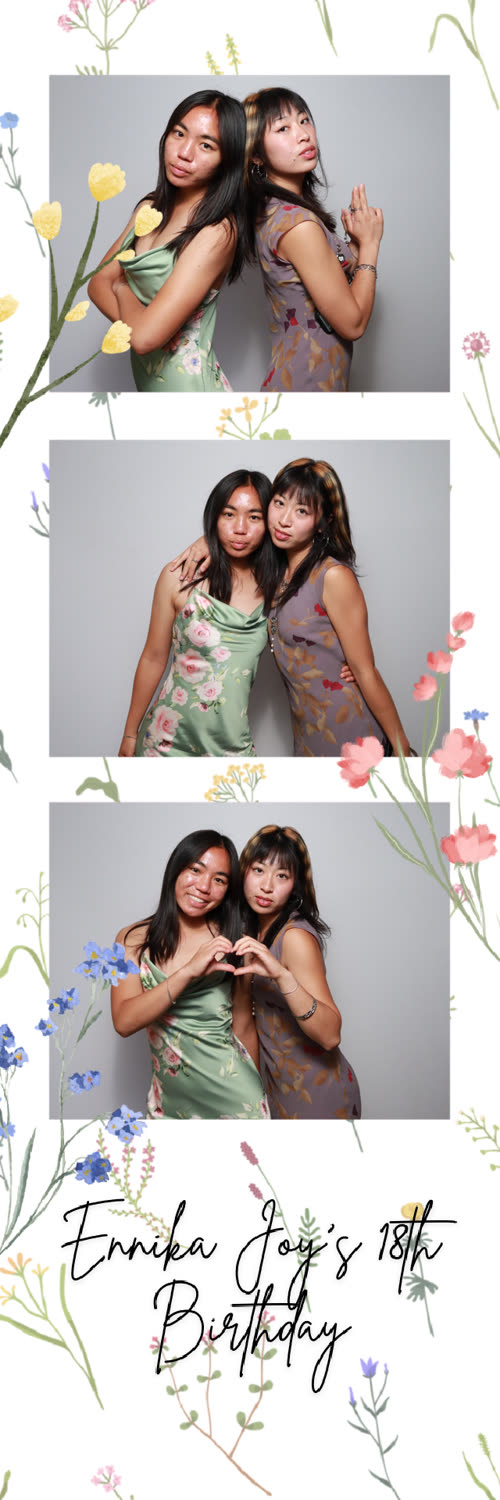
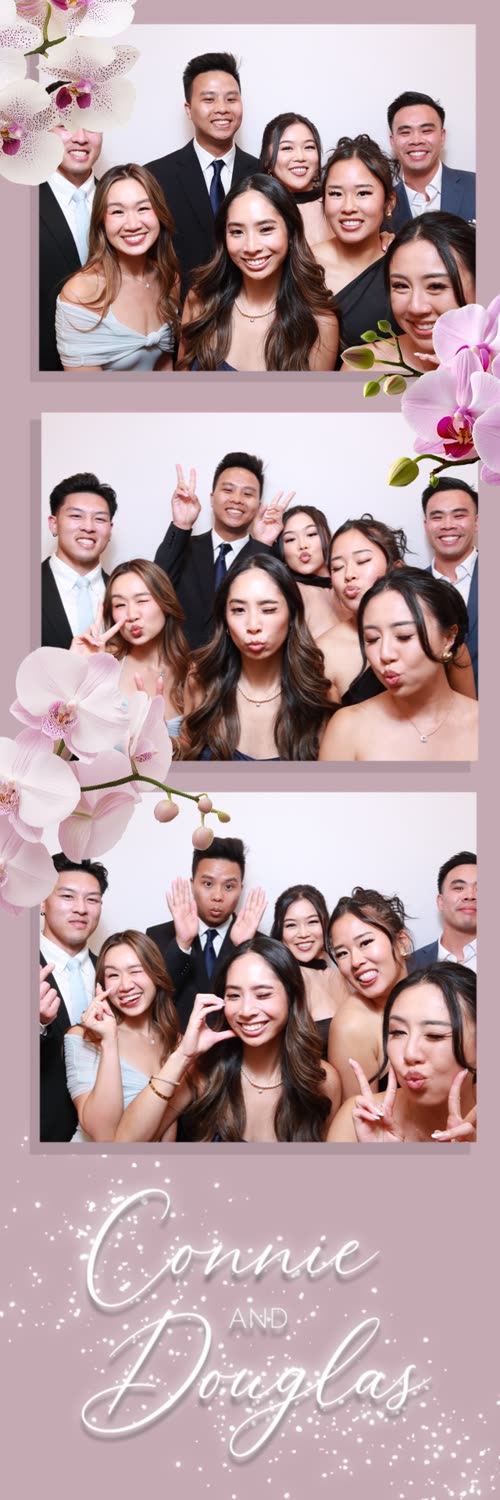
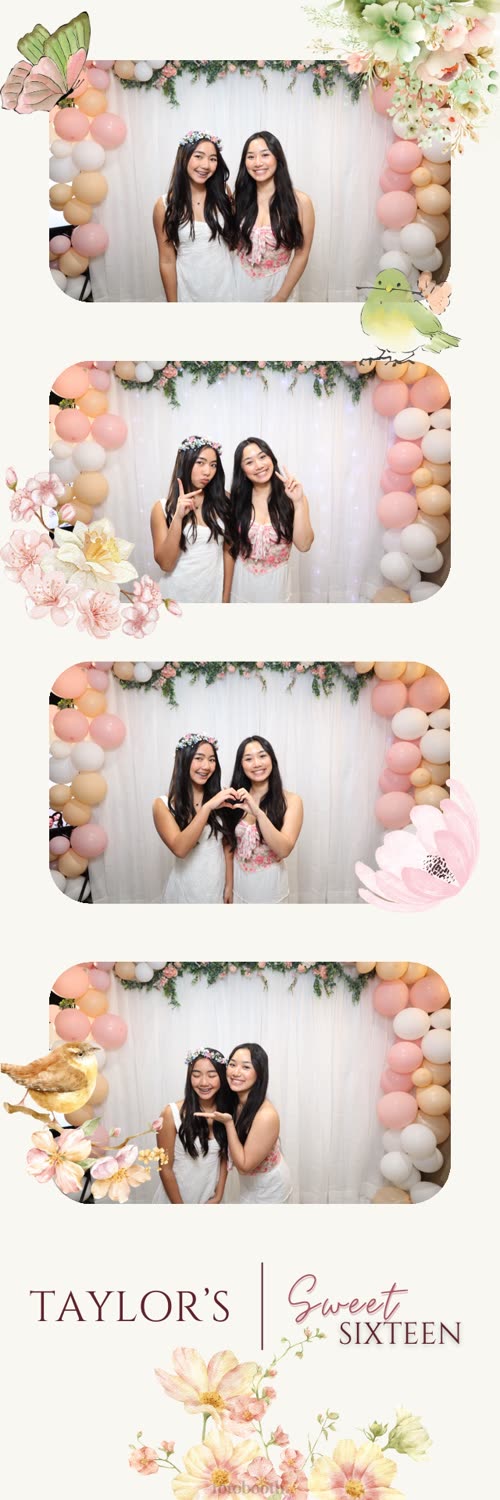
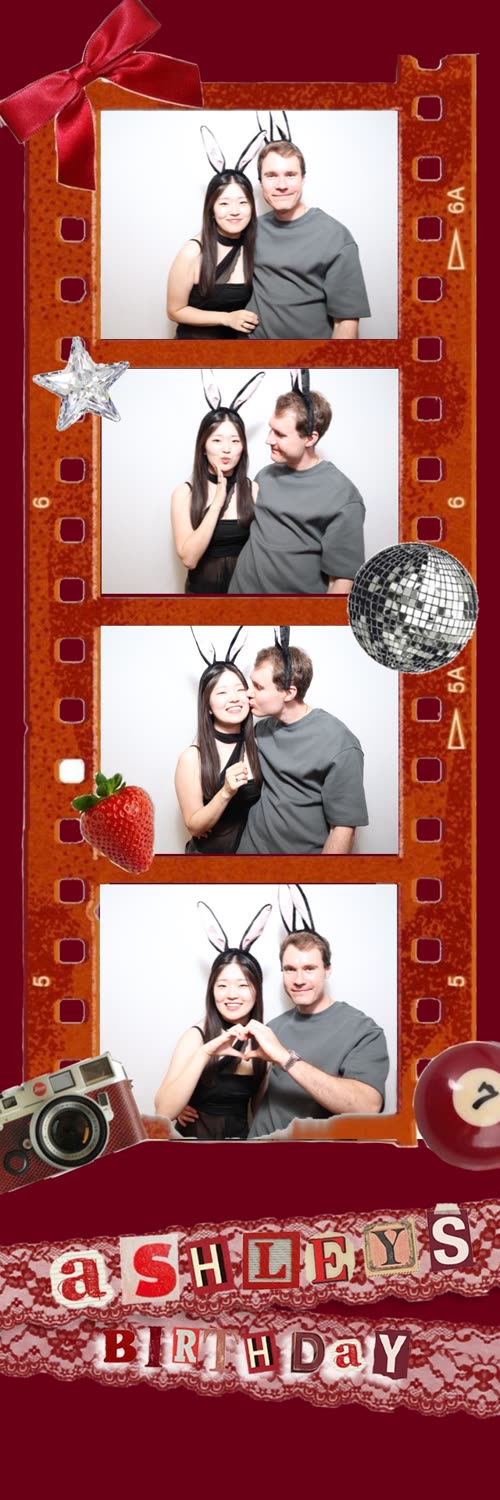
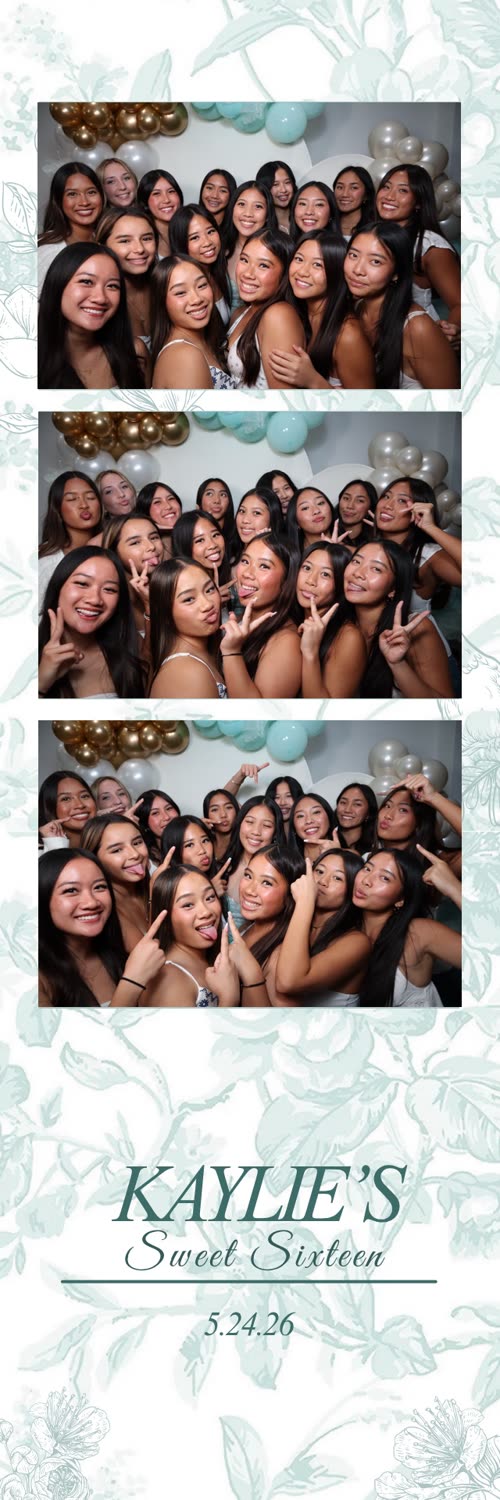
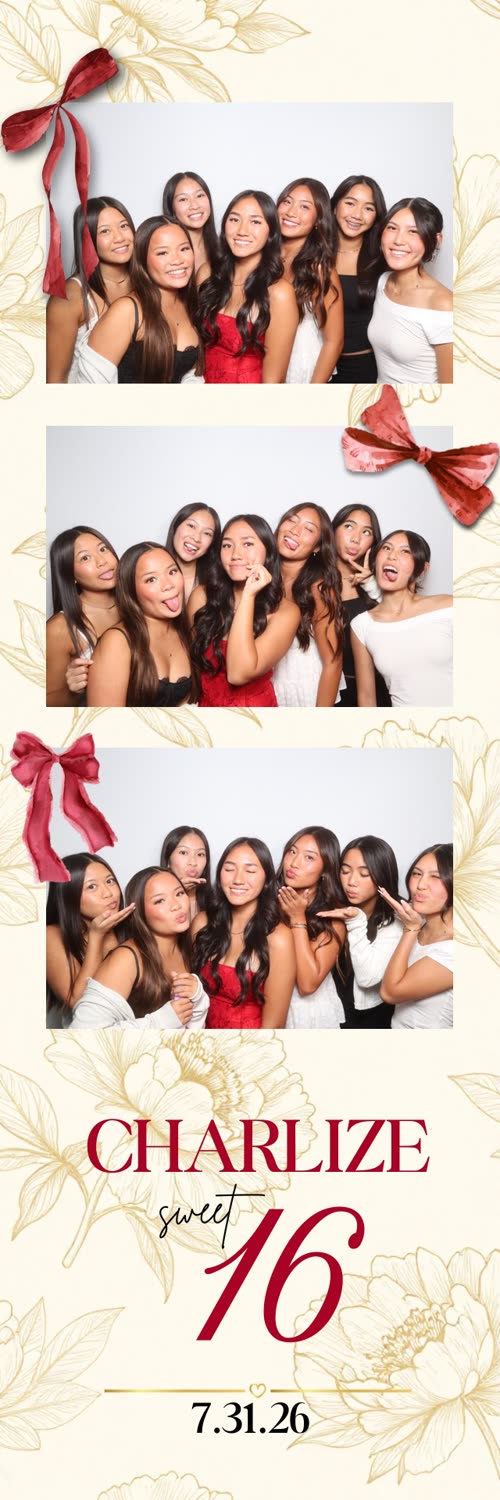
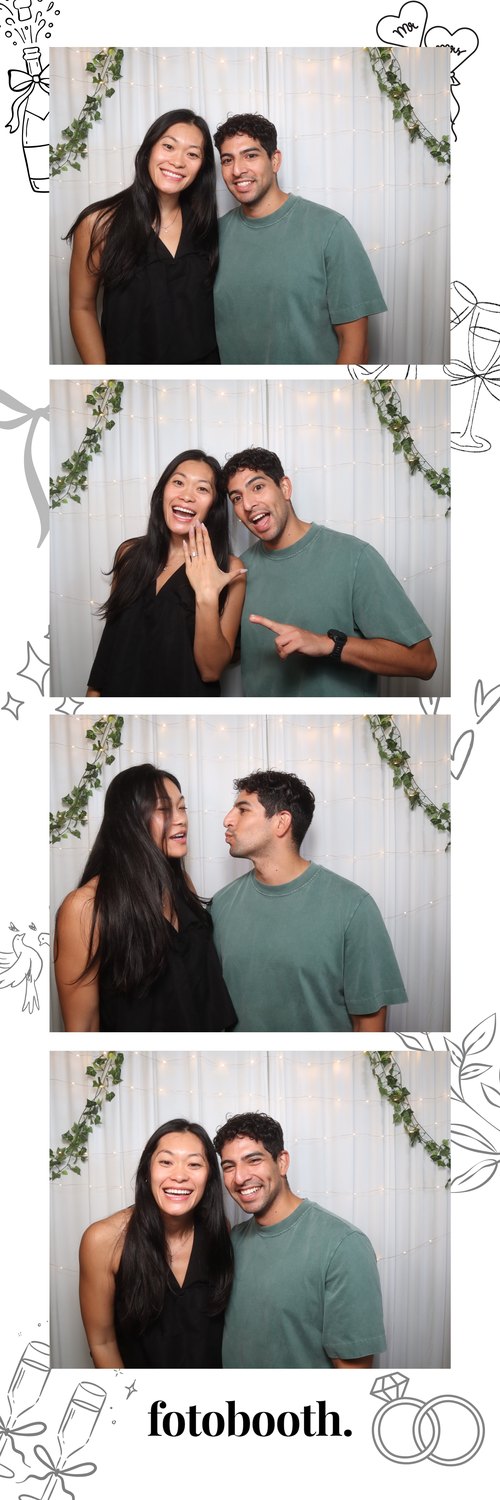
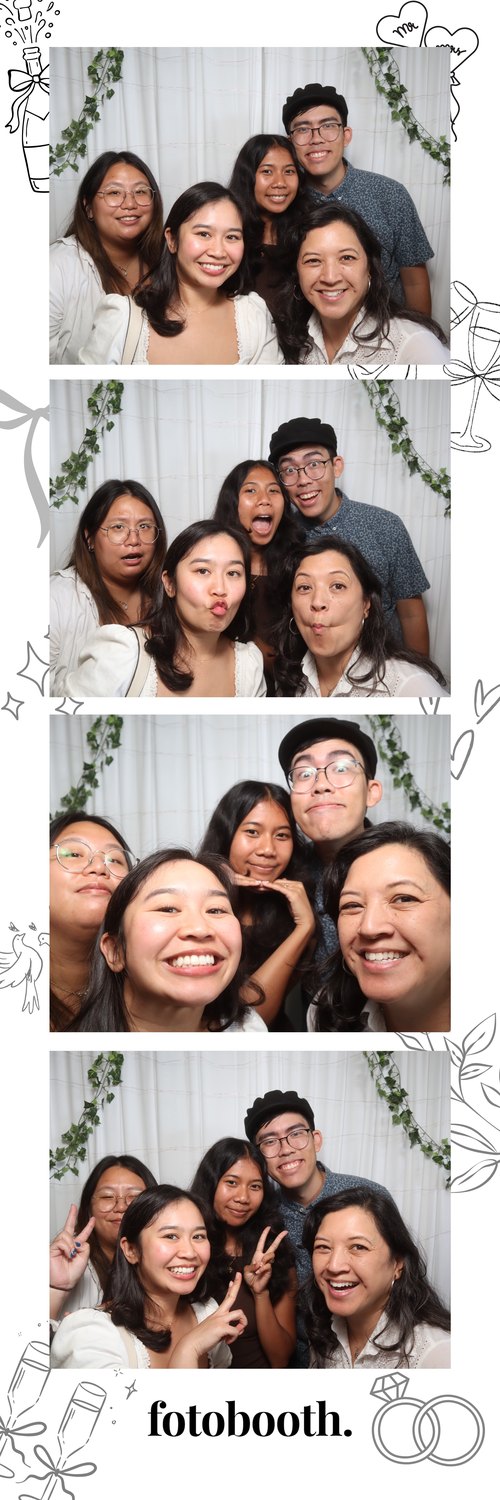
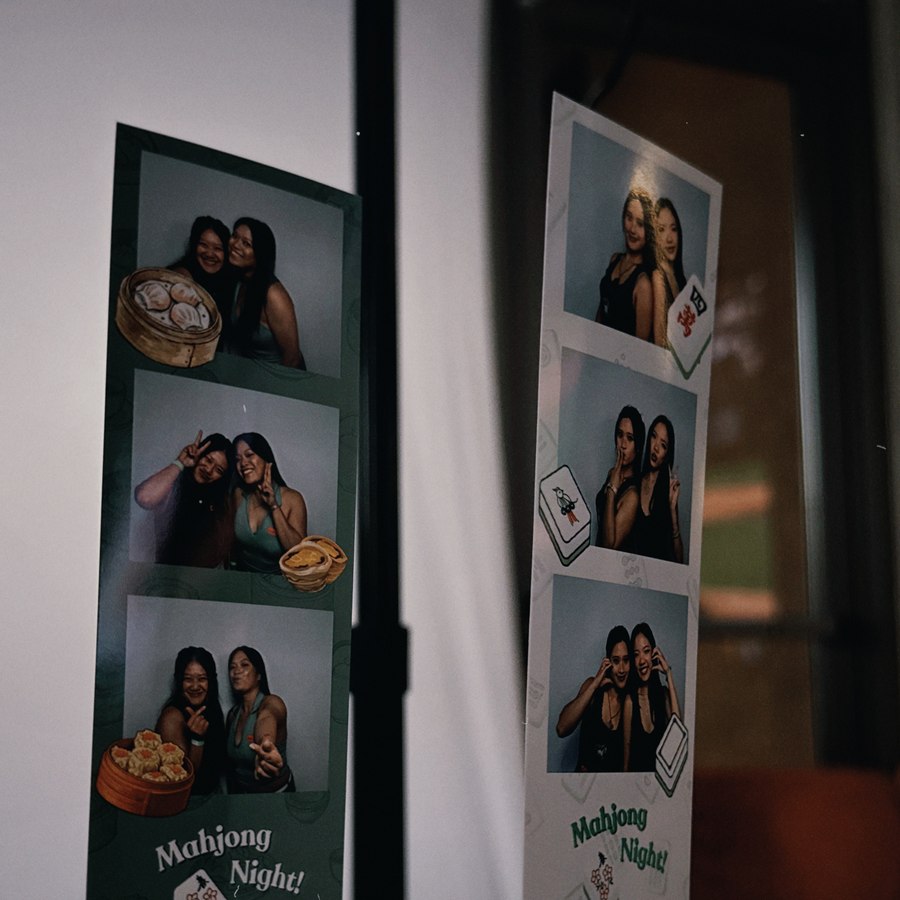
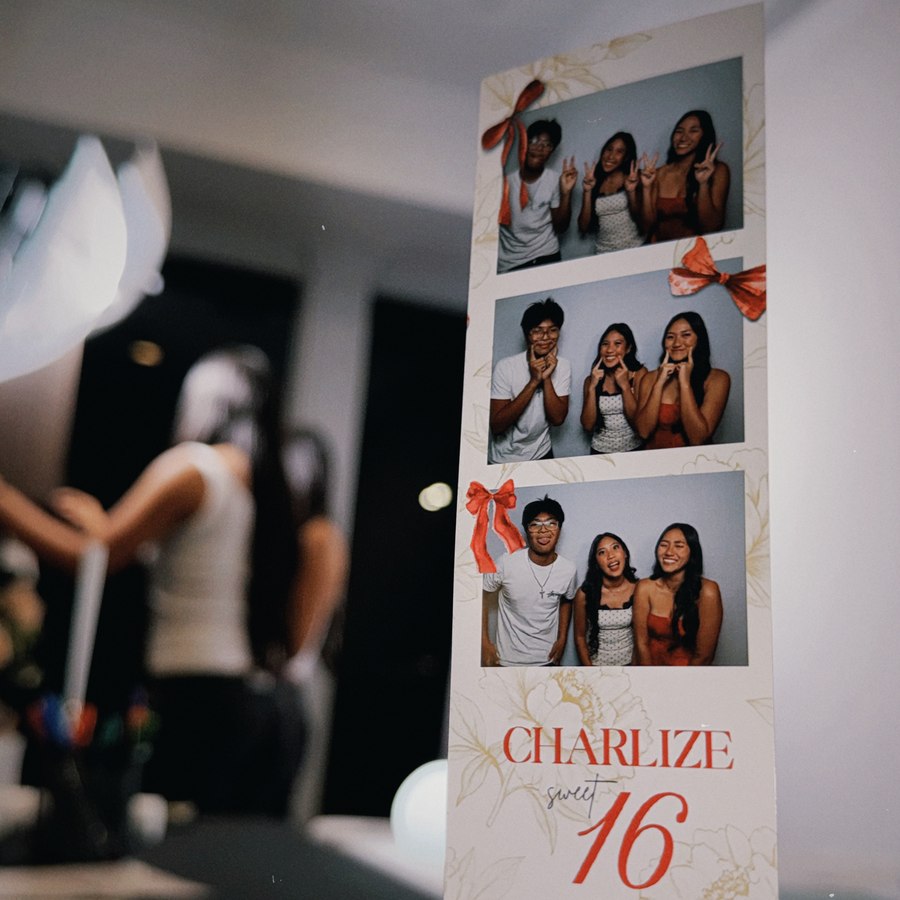
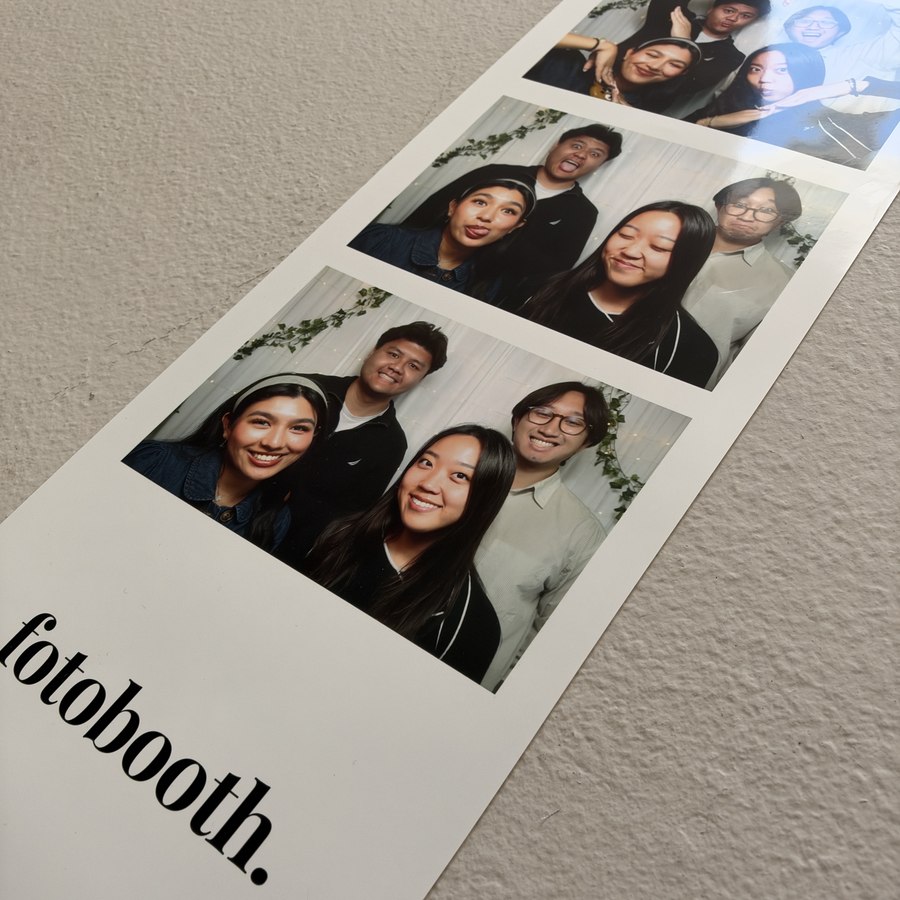
A look at our photo strips
Every event gets a custom-designed strip. Here's a taste of what your guests take home.
What clients are saying
Real words from real events. We'd love to add yours next.
The Fotobooth
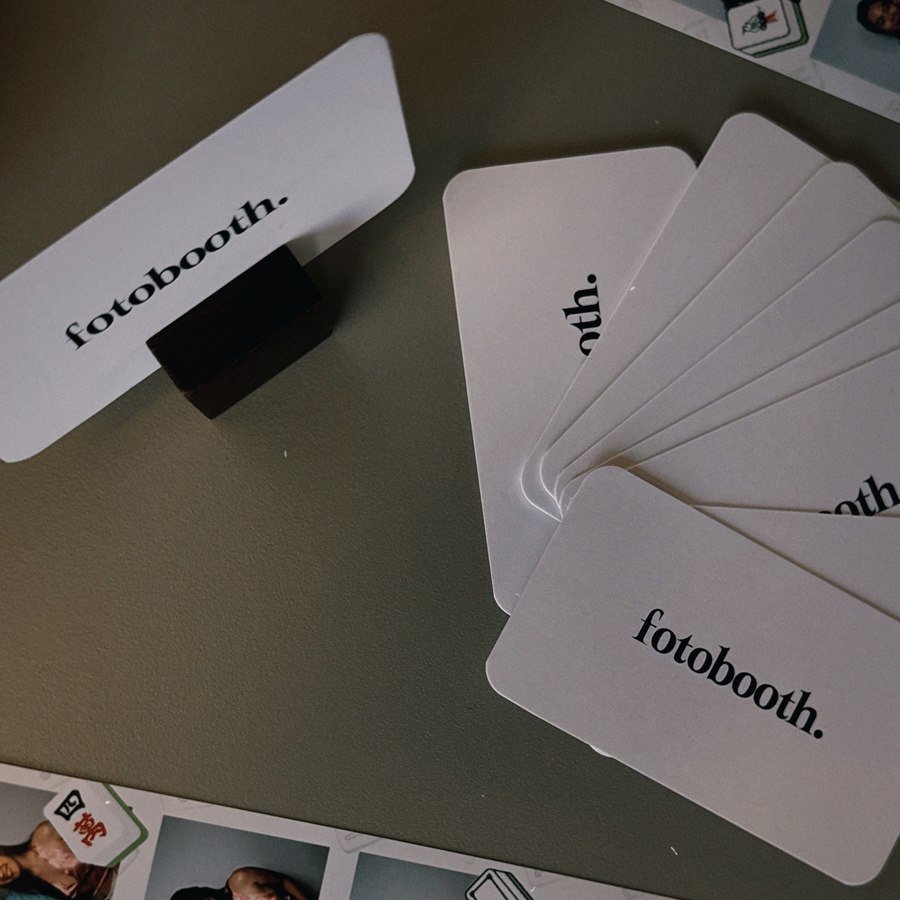
Our signature open-air photo booth — sleek, spacious, and made to move. Complete with professional studio lighting, custom print layouts, curated props, and your choice of backdrop.
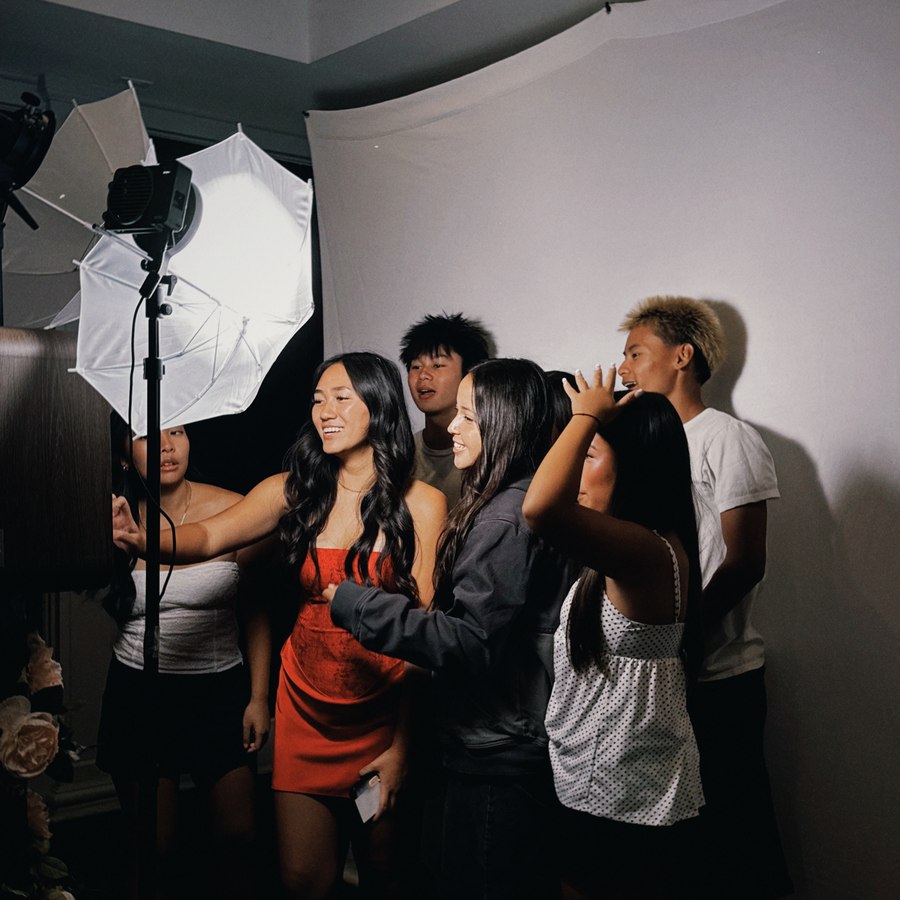
FotoReceipt Booth
A compact, retro-style booth that prints photos like a receipt — quick, playful, and space-saving. A fun addition to cocktail hour, or a standalone fit for smaller pop-up events.


Simple pricing, everything included
Pricing below is for The Fotobooth, our signature open-air unit. Setup, breakdown, an on-site attendant, and a full online gallery come with every package. Highlighted items show what's added when you move up a tier.
Essential Experience
Great for smaller parties and intimate gatherings.
- ✓ 3 hours of photo booth experience
- ✓ Professional on-site booth attendant
- ✓ Unlimited digital sharing (AirDrop)
- ✓ One custom photo strip design
- ✓ Personalized welcome screen
- ✓ Curated prop collection
- ✓ Standard black or white backdrop
- ✓ Full online gallery of every photo
- ✓ Gallery delivered within 24–48 hours
- ✓ Setup & breakdown included
Signature Experience
Adds unlimited instant prints and an extra hour — ideal for weddings and bigger celebrations.
- ✓ 4 hours of photo booth experience
- ✓ Professional on-site booth attendant
- ✓ Unlimited instant prints
- ✓ Unlimited digital sharing (AirDrop)
- ✓ One custom photo strip design
- ✓ Personalized welcome screen
- ✓ Curated prop collection
- ✓ Standard black or white backdrop
- ✓ Full online gallery of every photo
- ✓ Gallery delivered within 24–48 hours
- ✓ Setup & breakdown included
Luxury Experience
Everything in Signature, extended, with premium upgrades and a keepsake guest book. Our most complete package.
- ✓ 5 hours of photo booth experience
- ✓ Professional on-site booth attendant
- ✓ Unlimited instant prints
- ✓ Unlimited digital sharing (AirDrop)
- ✓ Two custom photo strip designs
- ✓ Custom welcome screen animation
- ✓ Guest Book Experience (album, extra strips & pens)
- ✓ Full online gallery of every photo
- ✓ Gallery delivered within 24–48 hours
- ✓ Setup & breakdown included
Custom
For weddings, large events, and anything beyond our standard tiers.
- ✓ Built around your date & guest count
- ✓ Flexible hours and add-ons
- ✓ Ideal for weddings & multi-day events
- ✓ Personalized quote, no surprises
FotoReceipt Booth
Prefer our compact, receipt-style booth on its own? It's available as a standalone rental too.
FotoReceipt Booth
Flat-rate pricing for a 4–5 hour event.
- ✓ 4–5 hours of FotoReceipt Booth time
- ✓ Professional on-site attendant
- ✓ Unlimited receipt-style prints
- ✓ Unlimited digital sharing (QR code)
- ✓ Setup & breakdown included
Custom
For longer events or FotoReceipt Booth paired with something bigger.
- ✓ Built around your date & event length
- ✓ Pair with The Fotobooth for both units
- ✓ Personalized quote, no surprises
Make it even more memorable
Optional enhancements you can add to any package.
Guest Book Experience
Premium scrapbook album, an extra photo strip for every session, and metallic pens for personalized messages.
Additional Hours
Keep the booth open longer so every guest gets their turn. Add as many extra hours as your event needs.
FotoReceipt Booth
Our compact, retro-style booth that prints photos like a receipt — a fun add-on for cocktail hour or a standalone fit for small pop-up events.
Premium Backdrop Collection
Upgrade from standard to a designer backdrop — florals, sequins, textures, and more to match your theme.
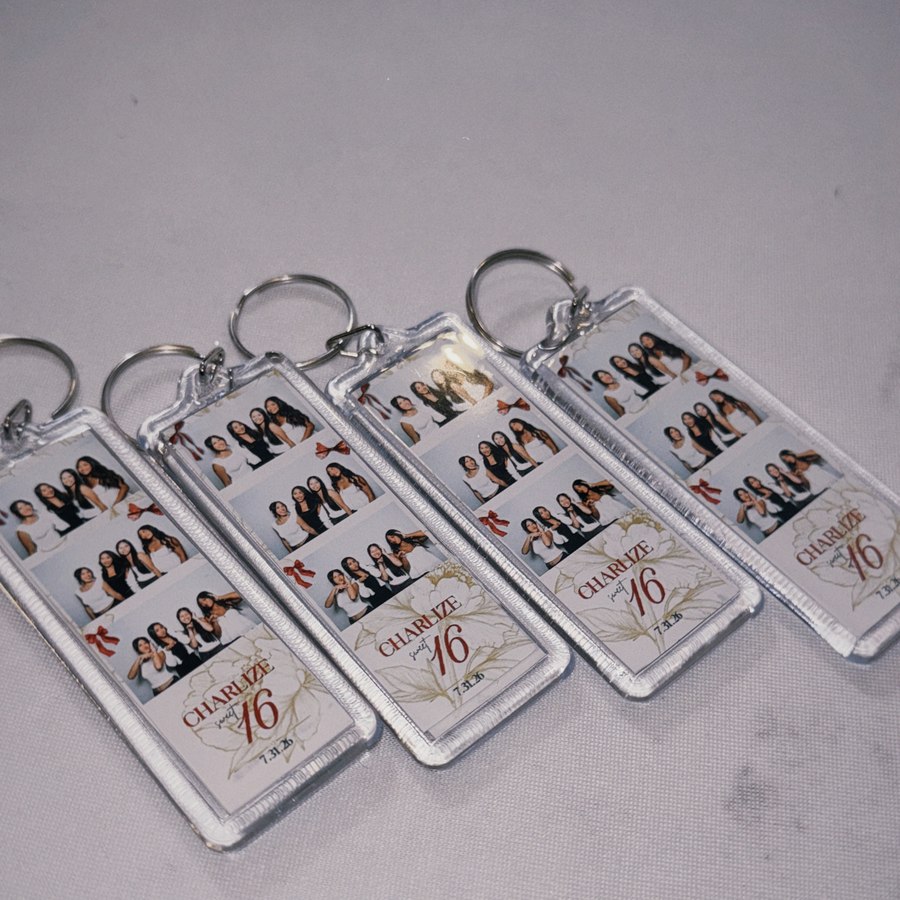
Keychains
Your photo strip turned into a durable keychain — a fun keepsake guests can clip to a bag or keys.
Magnet & Frame Photo Strips
Send guests home with a keepsake — photo strips finished as fridge magnets or slipped into display-ready paper frames.
Jumbo Photo Strips
An oversized version of your photo strip — extra bold and display-ready for a statement keepsake.
Premium Prop Collection
An elevated, curated set of props and signs that bring extra fun and personality to every photo.
Additional Custom Photo Strip Design
A second (or third) custom strip layout — perfect for events with multiple themes, hosts, or looks.
Custom Welcome Screen Animation
Greet guests with a personalized animated welcome screen featuring your names, event, and colors.
Extended Travel
Hosting beyond our local area? We travel to make it happen — reach out with your location for a quick quote.
Good questions, answered
Everything you need to know before you book. Still curious? Reach out anytime.
How much space does the booth need?+
How far in advance should I book?+
Do you travel to my venue?+
What's included in setup and teardown?+
Can the photo strips be branded for my event?+
When do I get my photos?+
What's your deposit and cancellation policy?+
Check available dates & times
Browse the calendar below to check each day's status, then message us to inquire. Availability updates regularly.
A gold date means someone may already be booking that day, or availability needs to be confirmed — message us to check. Exact times are arranged when you book.
Select a date to check its availability.
Get in touch & book with us
This is the place to ask anything about the business, check a date, or talk through a custom package. Send a message and we'll help you find the right time and package for your event.